
FlyBox | Delivery App
Project Overview
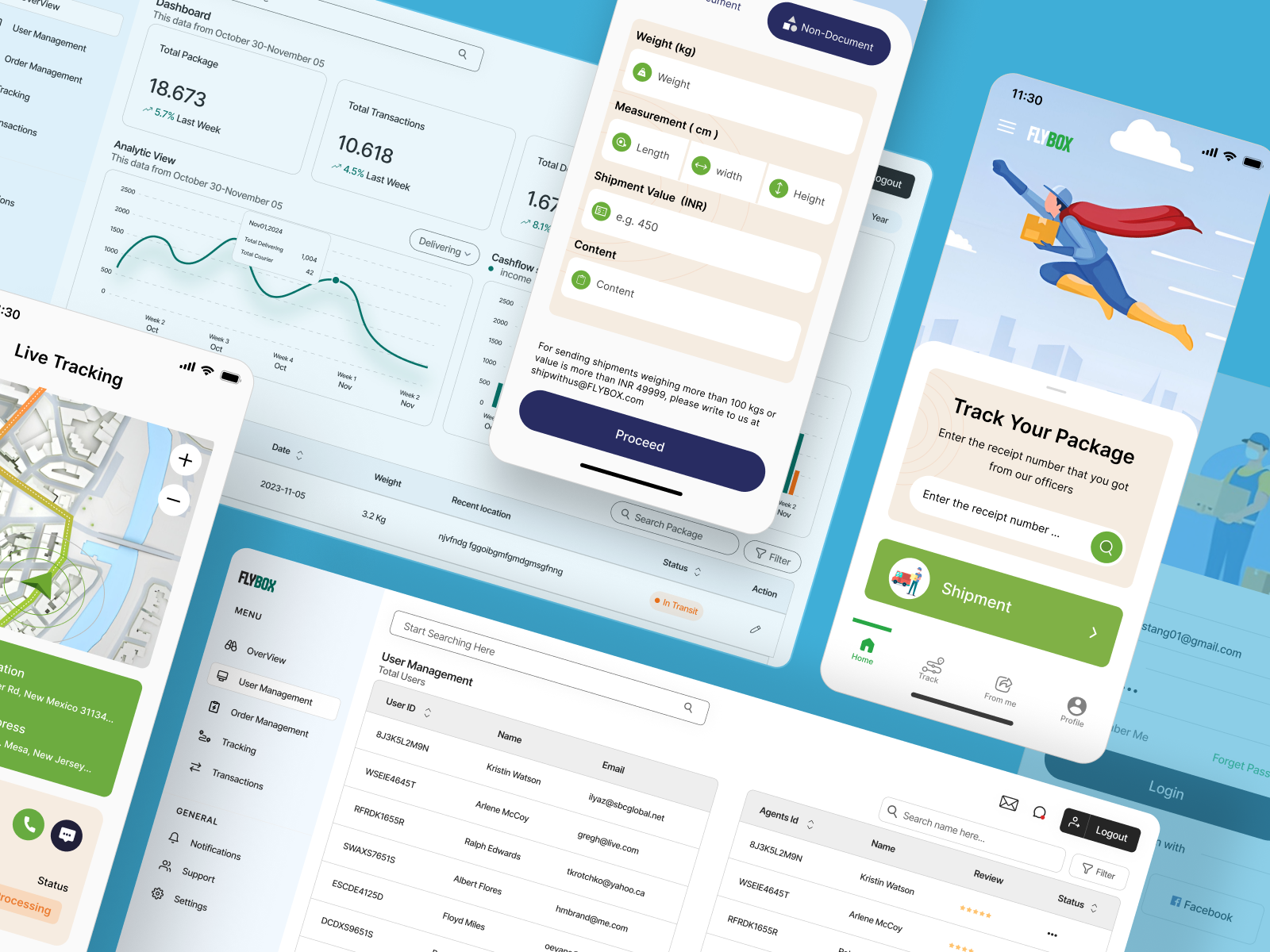
FlyBox is a smart logistics management solution designed to handle end-to-end shipment operations.
The system includes:
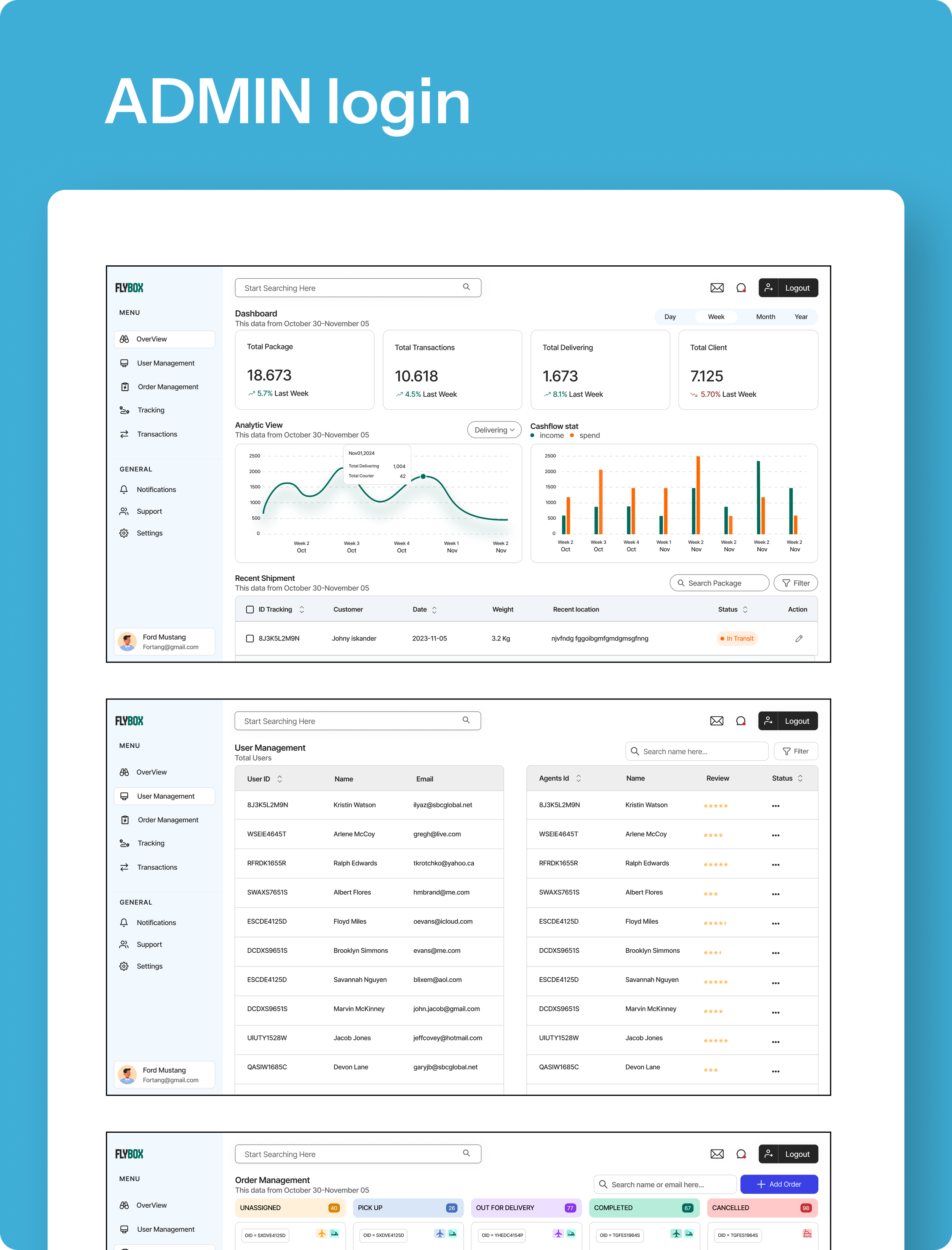
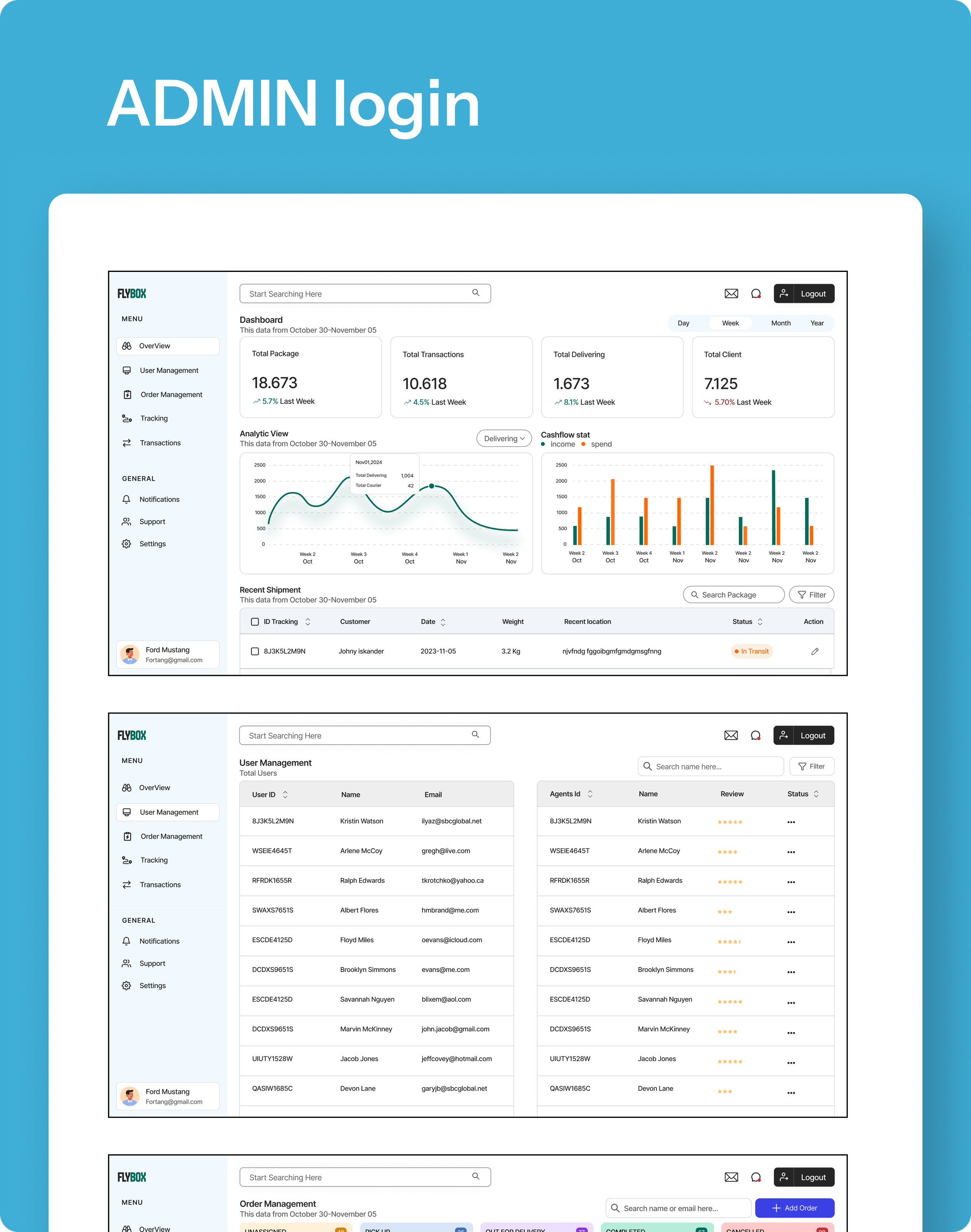
A web dashboard for admin and staff management, and
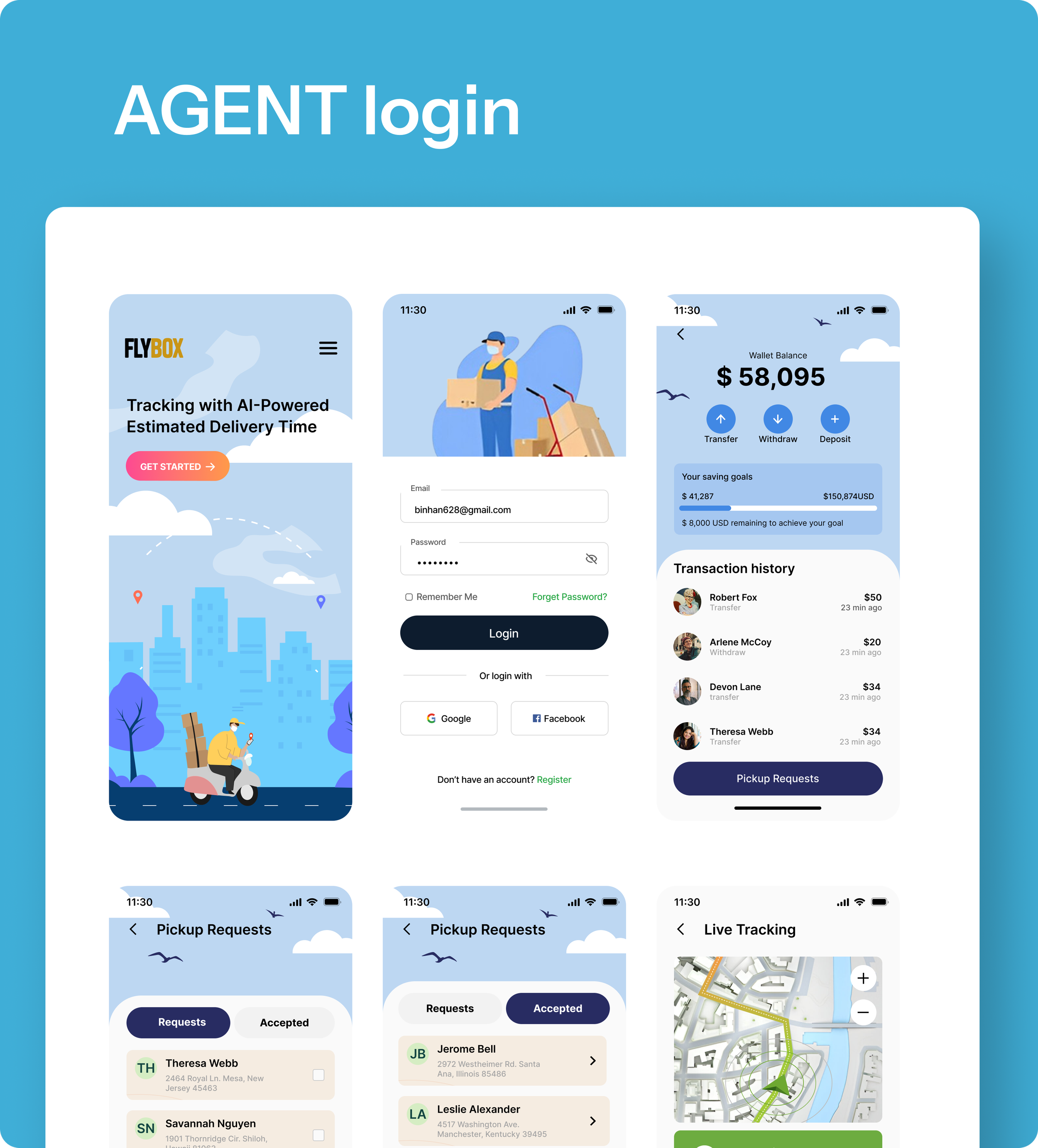
A mobile app for customers to track and manage shipments in real time.
It bridges the gap between logistics companies and users with real-time visibility, automated data handling, and smooth communication.
Courier Delivery App UI/UX Design
Role - Experience Designer
Duration - 12 Weeks
Tools - Figma
Team - In collab with Pixxl X team
Problem Statement
FlyBox is a smart logistics management solution designed to handle end-to-end shipment operations.
The system includes:
A web dashboard for admin and staff management, and
A mobile app for customers to track and manage shipments in real time.
It bridges the gap between logistics companies and users with real-time visibility, automated data handling, and smooth communication.
Research – User Insights and Pain Points
User Insights
Different User Roles
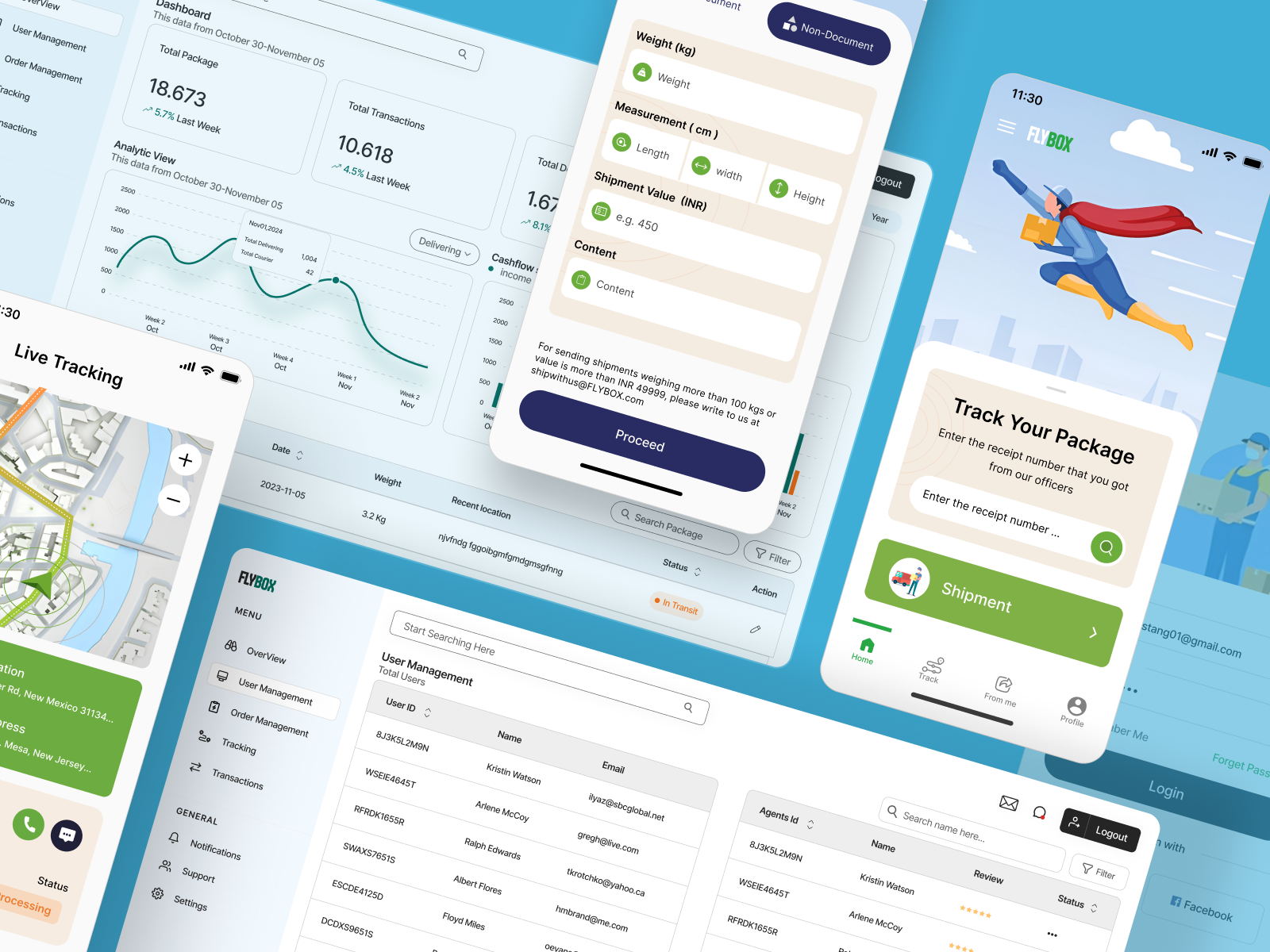
The system serves multiple user types: end customers (tracking packages, creating shipments) and company staff/admins (user management, analytics, transaction tracking).
Data-Driven Decisions
The admin dashboard highlights analytics and trends (e.g., total packages, transactions, cash flow).
This implies users want real-time performance metrics and historical comparisons for operational optimization.
Convenience in Package Tracking
Prominent tracking features (receipt number input, live map tracking) suggest users value transparency and control over their deliveries.
Clear Shipment Creation Workflow
The “Proceed” form for entering package dimensions and value indicates users need step-by-step guidance when booking a shipment — likely to reduce errors.
Mobile-First Design
The presence of multiple mobile screens suggests that on-the-go accessibility is a key priority for both senders and recipients.
Visual Clarity
Use of illustrations, color-coded statuses (e.g., In Transit), and clear typography supports trust and ease of navigation.
User Pain Points
Information Overload (Admin View)
Multiple dashboard metrics and data tables might overwhelm new users or make it difficult to find key information quickly.
Limited Error Recovery
The shipment form lacks visible real-time validation or error handling indicators — users may only learn of mistakes after submission.
Fragmented Navigation
The presence of several separate modules (Tracking, Management, Analytics, Shipments) may lead to context-switching fatigue if users frequently jump between them.
Potential Mobile UX Challenges
Smaller screens could make data-heavy views (e.g., analytics, user management) hard to interpret or scroll through efficiently.
Lack of Personalization
The design doesn’t seem to reflect user-specific suggestions, such as recently tracked packages or predictive shipping options.
Search and Filter Complexity
While the search bar and filter exist, there’s no indication of advanced filtering (e.g., by date range, shipment type), which could slow down administrative workflows.
Opportunities
Introduce role-based dashboards tailored to each user type (customer vs admin).
Add real-time validation and progress indicators in shipment forms.
Implement smart search and filtering for quick data retrieval.
Enable saved preferences or personalized analytics summaries.
Consider mobile-optimized analytics with simplified data visualization.
Goals
The primary goals of users within this courier delivery and tracking system revolve around convenience, transparency, and efficiency. Customers aim to easily track their shipments and view real-time delivery updates, giving them confidence that their packages are safe and on schedule. They also want a quick and straightforward process to create and send new shipments without unnecessary complexity or errors. Having all shipment information—such as delivery status, history, and transactions—accessible in one place is another key goal, as it saves time and minimizes the need to contact customer support.
For business users and administrators, the main goal is to monitor overall performance and operations effectively. They seek clear insights into total shipments, transactions, and cash flow trends to make data-driven decisions that improve delivery efficiency. Simplifying internal management tasks, such as handling users, agents, and transactions, is also important to reduce administrative workload and errors.
Both customers and admins value reliability and a positive experience throughout the process. Providing transparent communication, timely updates, and dependable delivery builds user trust and encourages loyalty. Finally, mobile accessibility is a crucial goal for all users, as it allows them to stay updated on-the-go, access shipment details, and receive instant notifications wherever they are.
Key Features
-
Real-time tracking with live map updates.
Status visibility: In Transit, Delivered, Processing, etc.
-
Total shipments, transactions, and package trends.
Visual analytics for weekly and monthly insights.
-
Upload pet photos, details, and preferences.
-
Manage users, delivery agents, and permissions with ease.
Style Guide
Key Takeaways
The FlyBox app provides a smooth and intuitive user experience for shipment tracking.
Key highlights include:
Clean login and registration screens with multiple sign-in options (Google/Facebook)
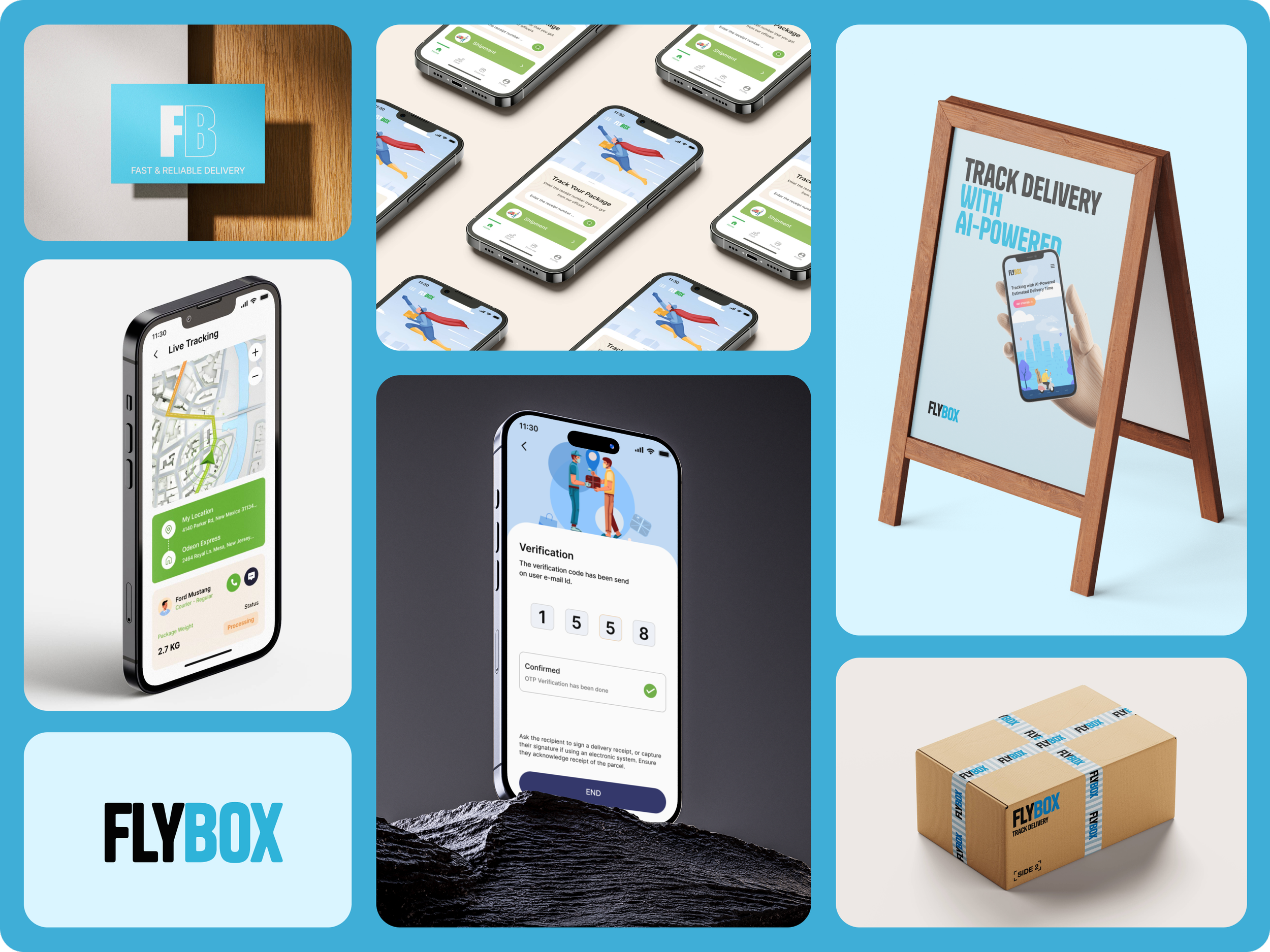
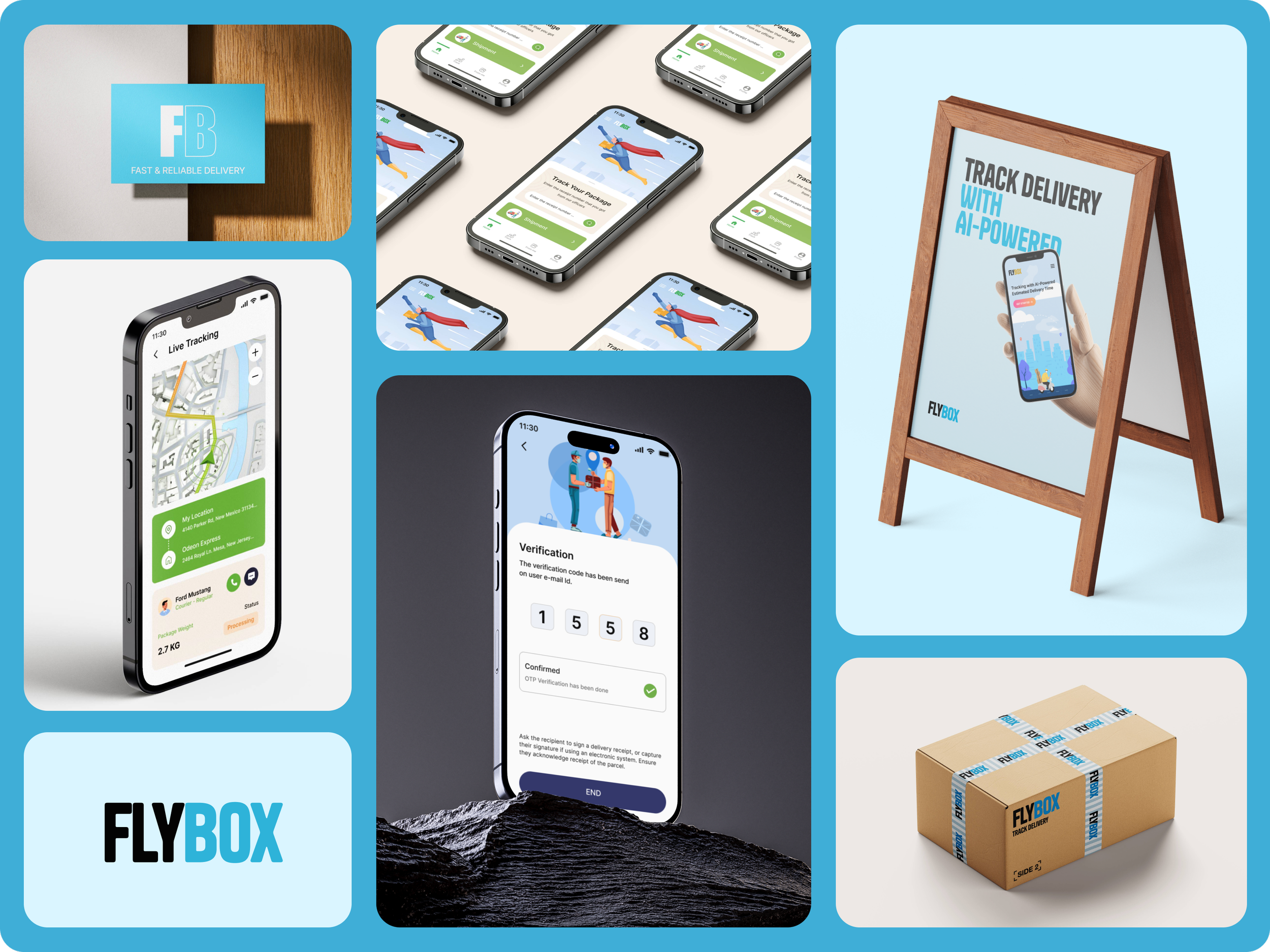
AI-powered shipment tracking for accurate delivery estimates
Simple shipment details form for both documents and non-documents
Modern, illustration-based visuals to make the experience friendly and easy to understand
Clear CTAs and input validation for improved usability and efficiency
This design focuses on making logistics accessible to all users — from first-time senders to regular shippers.
Conclusion
The FlyBox User Login and Shipment Interface successfully simplifies the package tracking process with an AI-driven, user-centered design. It offers a seamless login experience, transparent shipment details, and a visually engaging interface. The result is a functional and appealing mobile app that enhances user trust, convenience, and satisfaction in the delivery process.